Switching to Mudita Kompakt?
Here is the plan. Nine steps in the order that saves you trouble: a little prep on your old phone, about an hour on switch day, and a calm first month. Keep your number, bring what matters, leave the rest.
Read this first
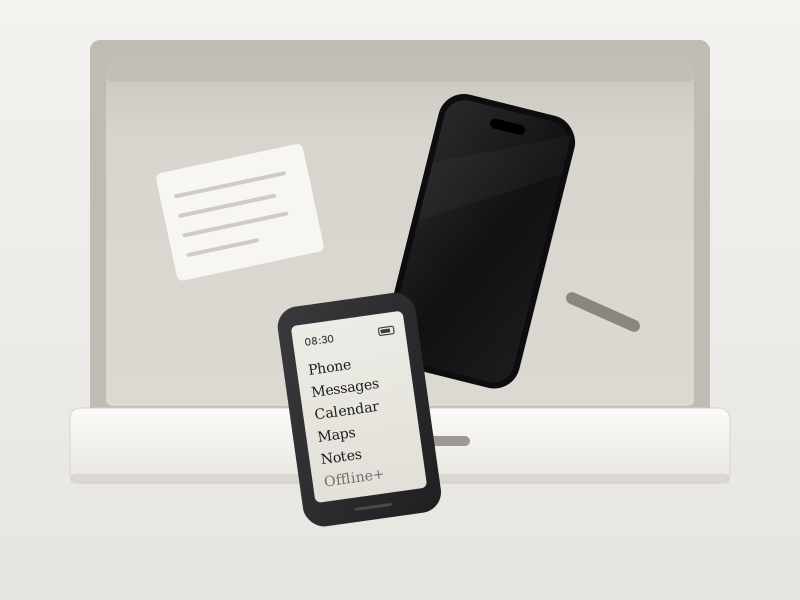
From smartphone to Kompakt: what the first month is really like
The honest version of the first month, with the two things worth sorting out before switch day.
Read the short version
Most people who switch do not miss the apps. They miss the reflex. The first three days feel quiet, even a little empty, and you will reach for your pocket more often than you expect. By the end of the first week that reflex fades. By week three the old phone mostly stays in the drawer.
This guide is the honest version of that month, told with Kompakt owners from our forum: what you will miss and what you will not, the two things worth sorting out before switch day, and how people handled banking, messaging and getting around without a smartphone in their pocket.
- The first 72 hours
- What people miss, and what they do not
- Banking, 2FA and messaging, the honest version
- Getting around with offline maps
- Telling friends how to reach you
- Tips from owners on the forum
Prepare on your old phone
02Check your must-have apps
Kompakt runs MuditaOS K, a de-Googled version of Android. Since MuditaOS K 2.0 you can install apps made for E Ink straight on the phone from InkApps. If an app you need is not there, you can still sideload it from your computer with Mudita Center. Apps that need Google services, or were not built for an E Ink screen, may not behave well.
- Write down the three to five apps you cannot live without
- Look for them in InkApps first, then on the compatibility list
- Owners report WhatsApp, Signal, Telegram and HERE WeGo working when sideloaded
03Sort out banking and login codes
This is the step people regret skipping. If your bank or work account sends codes to an app on your old phone, move them before you wipe it. Switch to SMS codes where you can, or set up an open-source authenticator on Kompakt and scan the QR codes with its camera.
- Owners use Aegis or Ente Auth for 2FA codes
- Some banking apps need Google services, so test yours early
- Do not reset the old phone until every account signs in from Kompakt
04Back up what you want to keep
Export contacts from Google, iCloud or Outlook as a vCard or CSV file. Move your photo library to a computer or cloud storage, since Kompakt is made for a few photos, not thousands. Living in Google Calendar? MuditaOS K 2.0 can sync it both ways, and it stays off until you turn it on.
- Contacts: one vCard file is the easiest route
- Photos: copy them off before switch day
- Install Mudita Center on your computer now, for sideloading and backups
Set up Kompakt
05Move your number
Put your SIM in Kompakt, or ask your carrier for an eSIM QR code. Slot 2 shares its modem with the eSIM, so it is one or the other. Make a test call and send a test SMS before you put the old phone away.
- Coming from an iPhone? Turn off iMessage and FaceTime first, or texts from iPhone friends keep going to the old phone
- US owners: if calls sound quiet, read the carrier article
06Set up the basics
Language, Wi-Fi, fingerprint and PIN, then update to the latest MuditaOS K before anything else. Pick a launcher: the text-focused Kalm Launcher or the familiar Standard Launcher. Then get to know the Offline+ switch, the one feature owners mention most.
- Offline+ cuts the modem and microphones at hardware level
- Choose whether Bluetooth and the camera stay on in Offline+
- Import your contacts, set ringtones, one per SIM if you like
07Add your few apps
Open InkApps on the phone and add what you need from there. For anything else, connect Kompakt to your computer and sideload it with Mudita Center. Add only the apps from your list. Fewer is the point, and the small effort it takes is part of what keeps the phone calm.
- Start with messaging and 2FA
- Leave social media and news where they are
- Owners suggest trying a different keyboard if typing feels slow
Settle in
08Learn what is already on board
Before you add a replacement, try the built-in tools: calendar, notes, voice recorder, music player, offline maps and camera. Then give the E Ink screen a week. It reads like paper, has no blue light, and is the reason the battery lasts up to 6 days.
- Download offline maps at home on Wi-Fi
- Seeing a faint ghost image? Use Force Refresh to clear the screen
- Charge once or twice a week, not every night
09The 30-day handoff
Keep the smartphone in a drawer, not in the bin. Check it once a day for two weeks, then once a week. Tell the people who matter that a call or SMS is the best way to reach you. Most people stop opening the old phone by week three.
- Week 1: the reflex to check fades
- Week 2: move the last logins over
- Week 4: decide what happens to the old phone
Blogs that might help
Longer reads from the Mudita blog about choosing, using and living with a minimalist phone.
Useful links
The pages owners open most in their first weeks.
Was this article helpful?
That’s Great!
Thank you for your feedback
Sorry! We couldn't be helpful
Thank you for your feedback
Feedback sent
We appreciate your effort and will try to fix the article